Routines
Routines schedule a chat or Code task to run on its own, on a timer, with no one present. Ask for a daily news digest, a nightly test run, a weekly dependency check — set it up once, and it fires on schedule from then on, entirely on your own machine.
Turn it on
Routines lives in Settings → Experimental → Routines. Flip it on and a new Routines tab appears in Workspace, next to Chat and Code.
Two flavors
Chat routine
Runs through a Customize → Agents persona — the same tool-loop as a normal chat (web search, page fetch, sandboxed code execution). Good for research digests, summaries, and anything that doesn't need filesystem access.
Code routine
Runs a coding agent — the in-app engine or the Claude Code CLI — against a real workspace path. Good for test runs, dependency checks, or scheduled maintenance tasks that need to read and edit files.
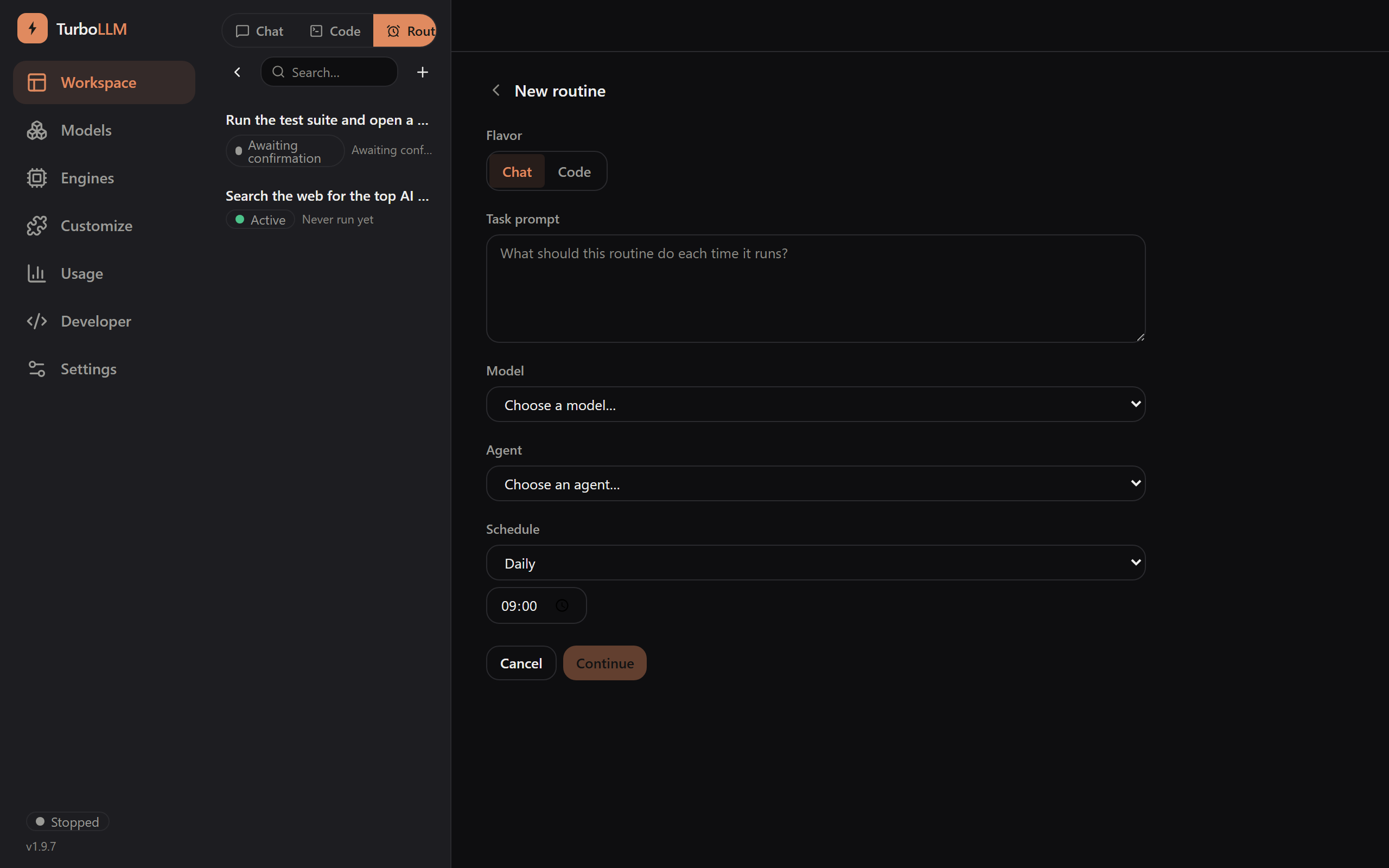
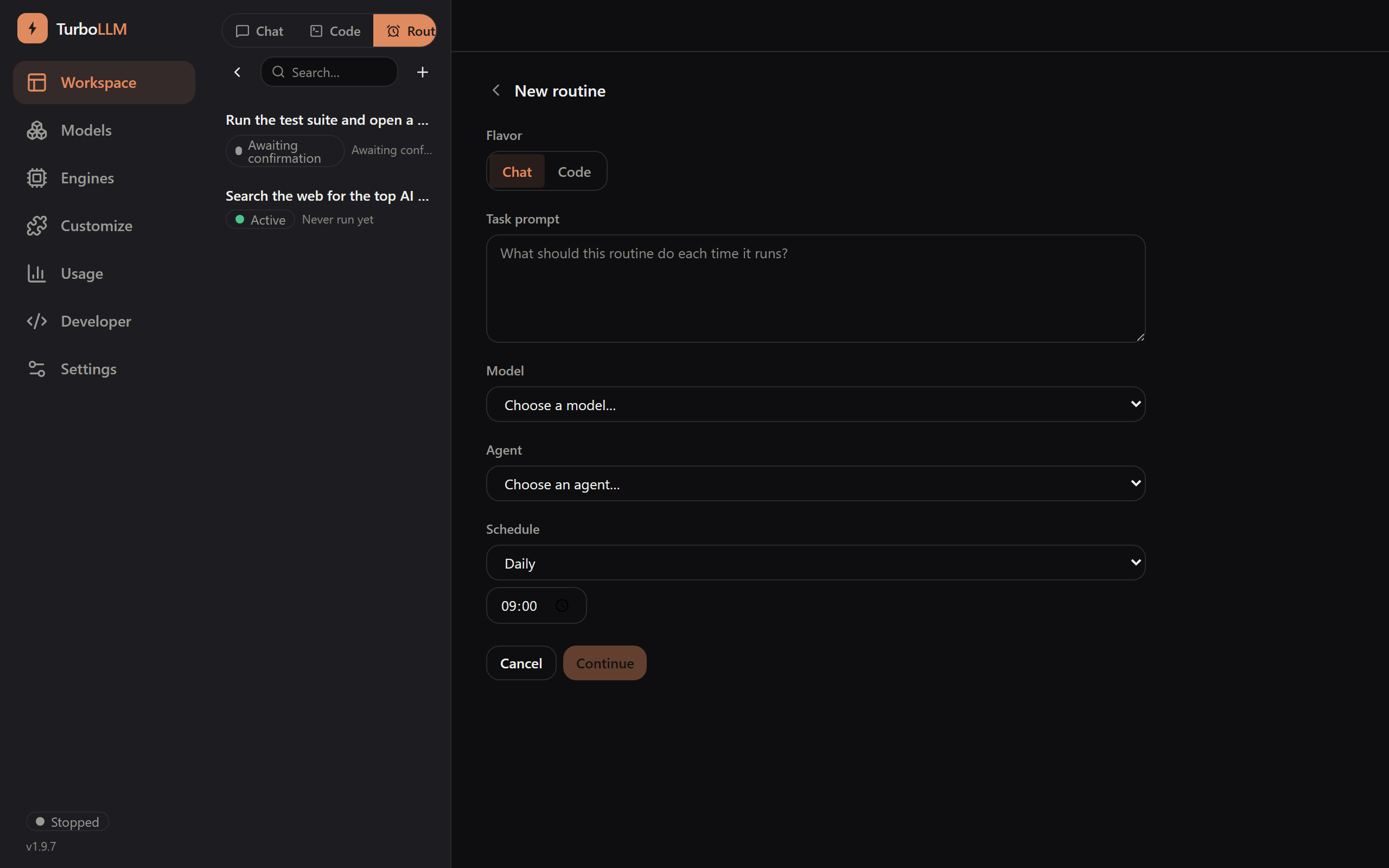
Pick a flavor, describe the task in plain language, choose a model, and set a schedule — interval, daily, or weekly.
Nothing runs until you say so
A new routine always lands in pending confirmation and never fires until you explicitly confirm it in the Routines panel — including one a chat or Code agent set up for you. Creating a routine is never itself enough to arm it.
Describe the task in plain language — "check my repo's tests every 6 hours and summarize failures" — and the agent creates the routine directly. It still lands in pending confirmation, waiting for you.
The Routines panel
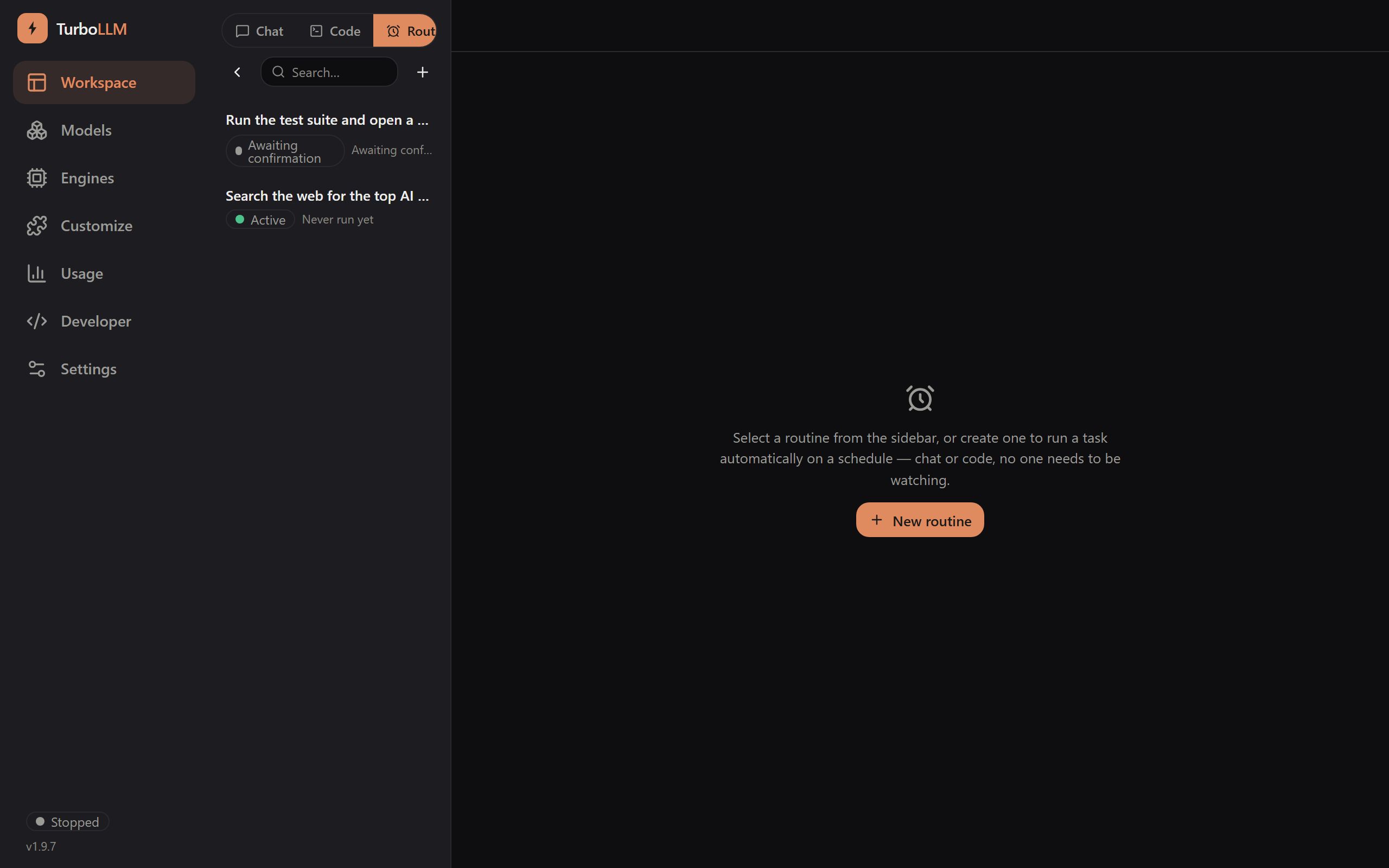
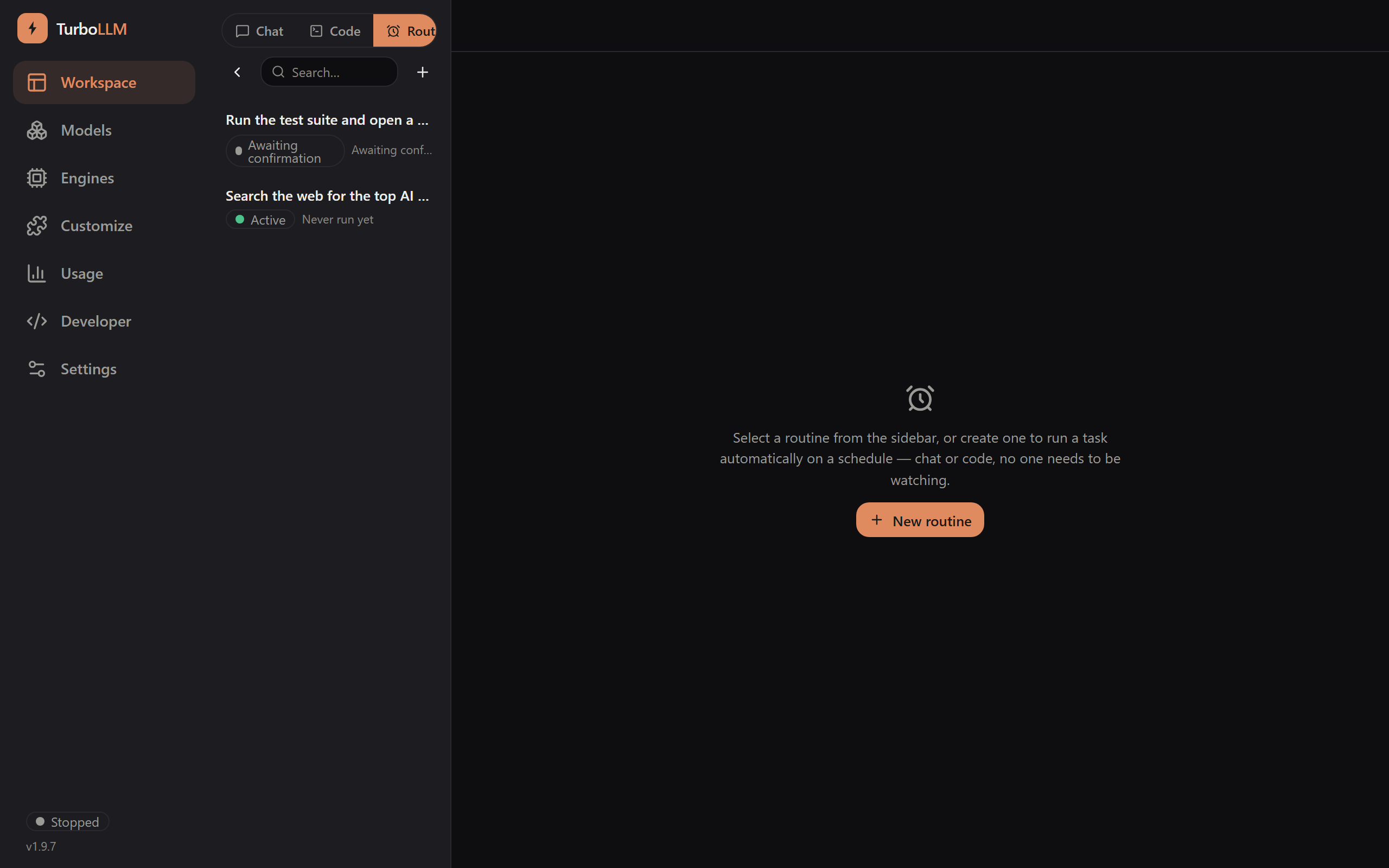
Every routine shows its status at a glance — pending confirmation, active, paused, or errored — and its last-run summary.
Full control per routine
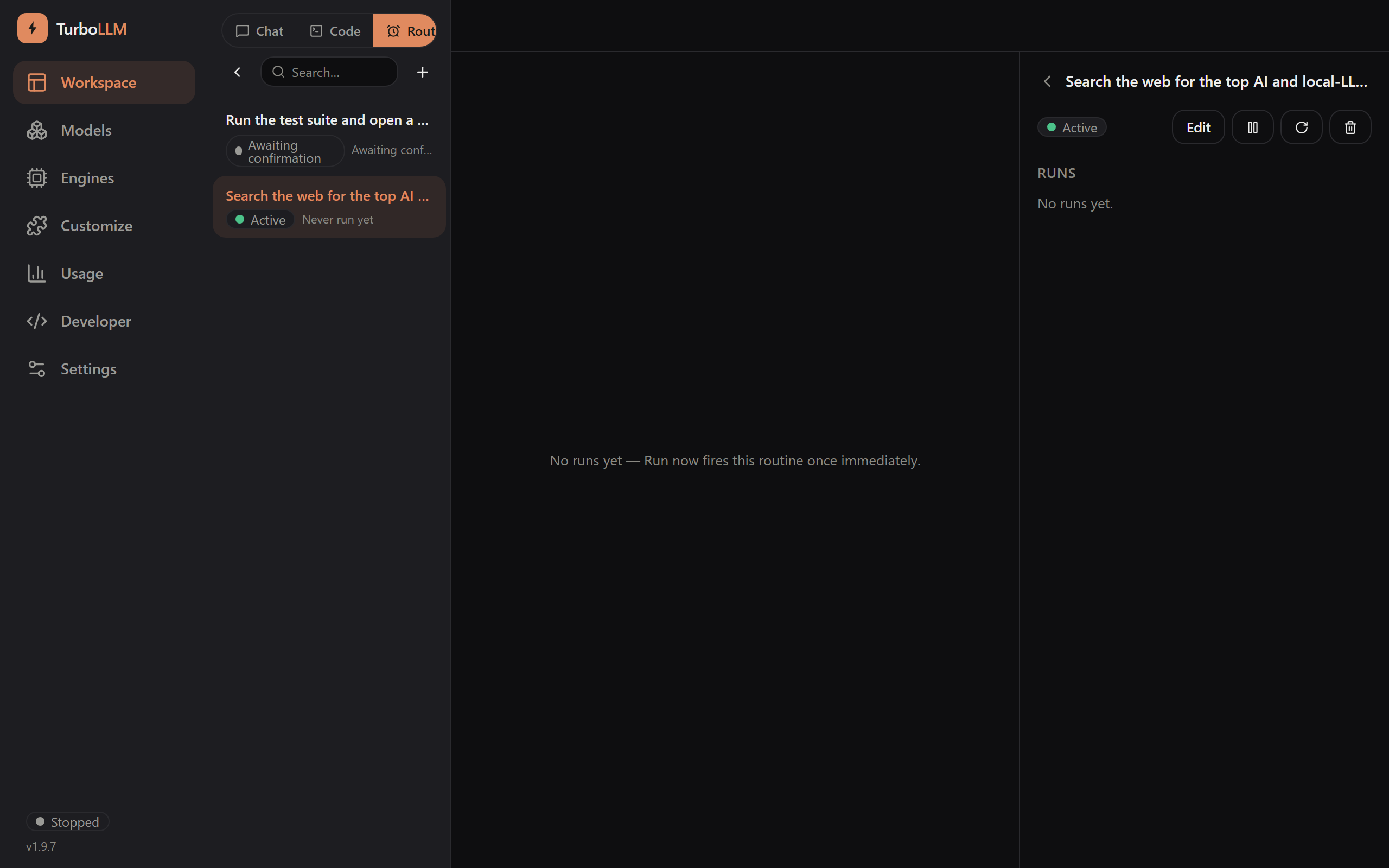
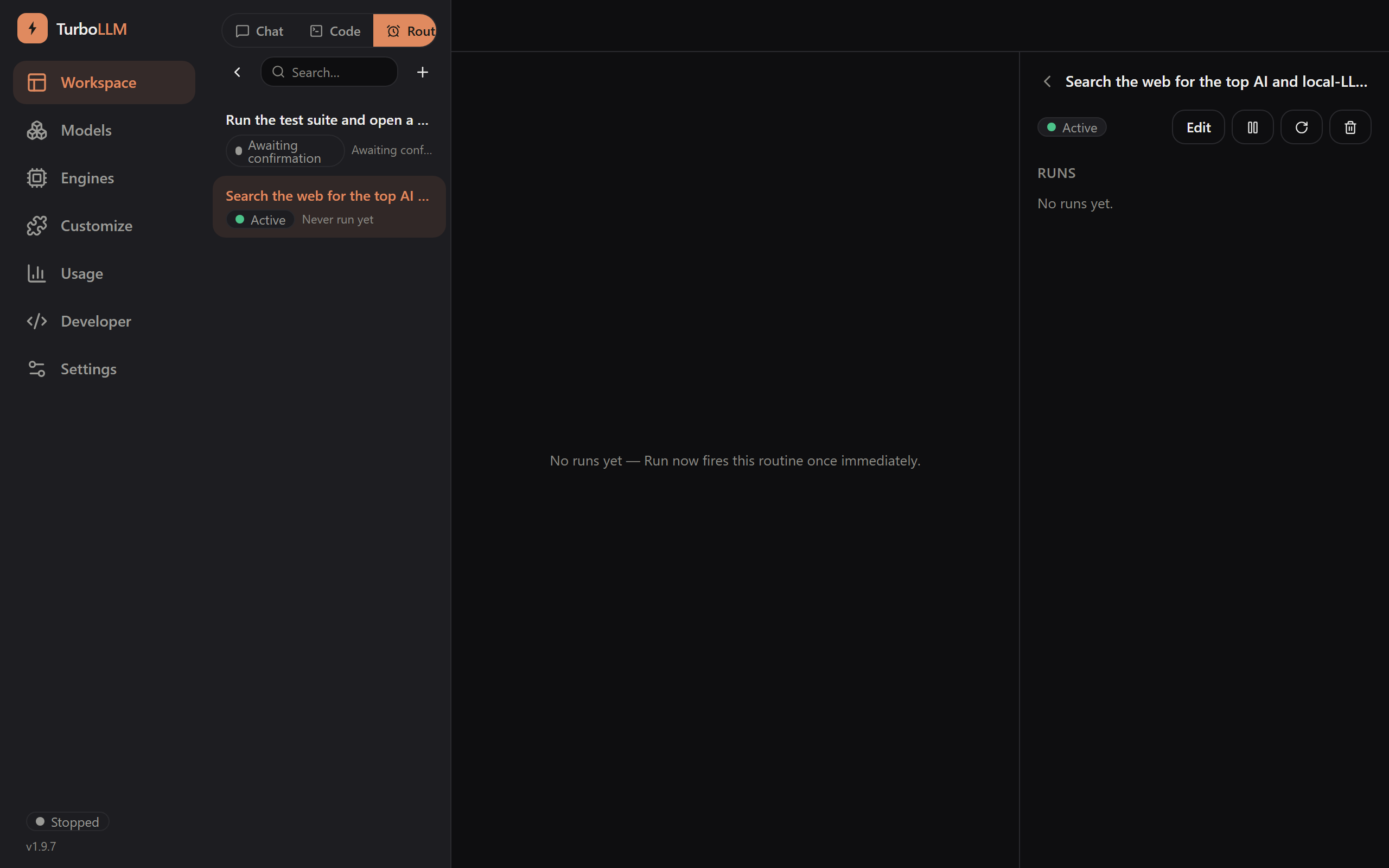
Edit
Change the prompt, schedule, model, or agent at any time.
Pause / Resume
Take a routine offline without deleting it, and bring it back when you need it again.
Run now
Trigger an already-confirmed routine immediately, without waiting for its next scheduled fire.
Run history
Every past fire's full result, error, or a live tool-call approval card when a run needs your OK mid-flight — nothing runs silently.
Live approval, mid-run
If a Code routine's task hits a tool call that needs a decision — running a command in ask mode, for instance — the run stalls and shows a live approval card right in its run history, exactly like an interactive session. Approve, deny, or come back later; the run waits for you.